


Featured Updates

BusKill Demos (Windows, MacOS, Linux, TAILS, QubesOS)
previous arrow
next arrow

Techlore Interview (BusKill, Interdiction, and OpSec)

We’re super happy to share that Techlore invited BusKill founder Michael Altfield onto their YouTube channel to talk about BusKill, security, and privacy

In addition to answering questions about the origin of BusKill, the interview ran a gamut of issues regarding security and privacy — including

  1. How to mitigate State-sponsored interdiction attacks,
  2. minimizing attack surfaces of mobile phones with broadband processors,
  3. the threats of AI “identity verification” systems on privacy,
  4. and much more

You can watch the full video below

Can’t see video above? Watch it on PeerTube at tehlore.tv or on YouTube at youtu.be/cptk6aBbJpU

To see the full discussion about this video on PeerTube, see:

What is BusKill?

BusKill is a laptop kill-cord. It’s a USB cable with a magnetic breakaway that you attach to your body and connect to your computer.


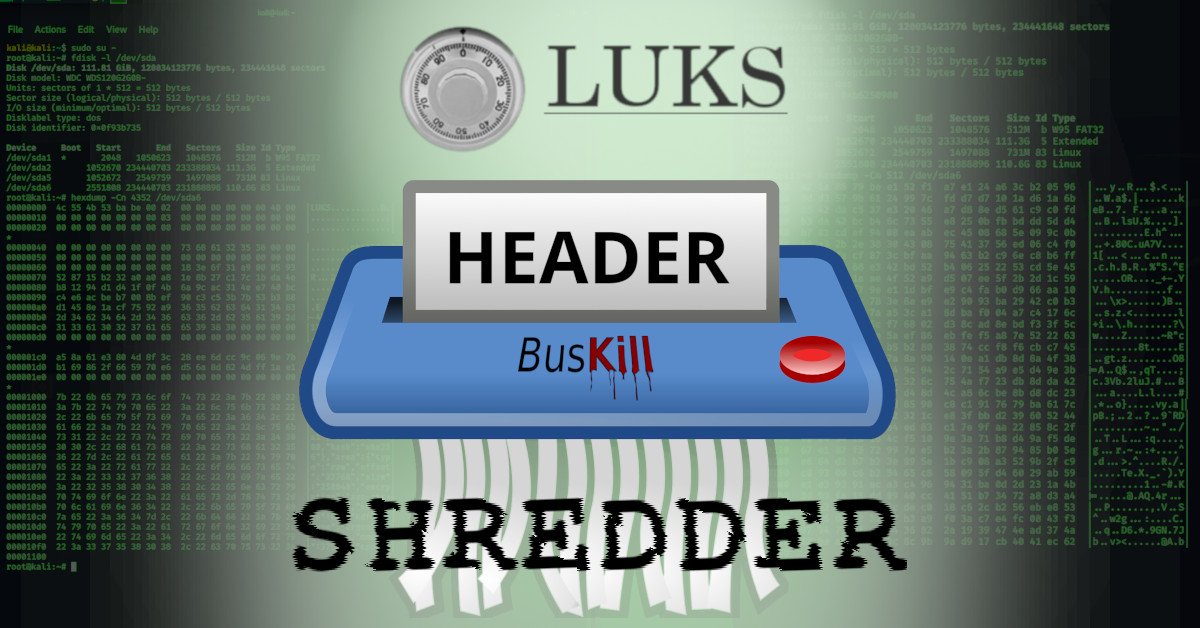
If the connection between you to your computer is severed, then your device will lock, shutdown, or shred its encryption keys — thus keeping your encrypted data safe from thieves that steal your device.

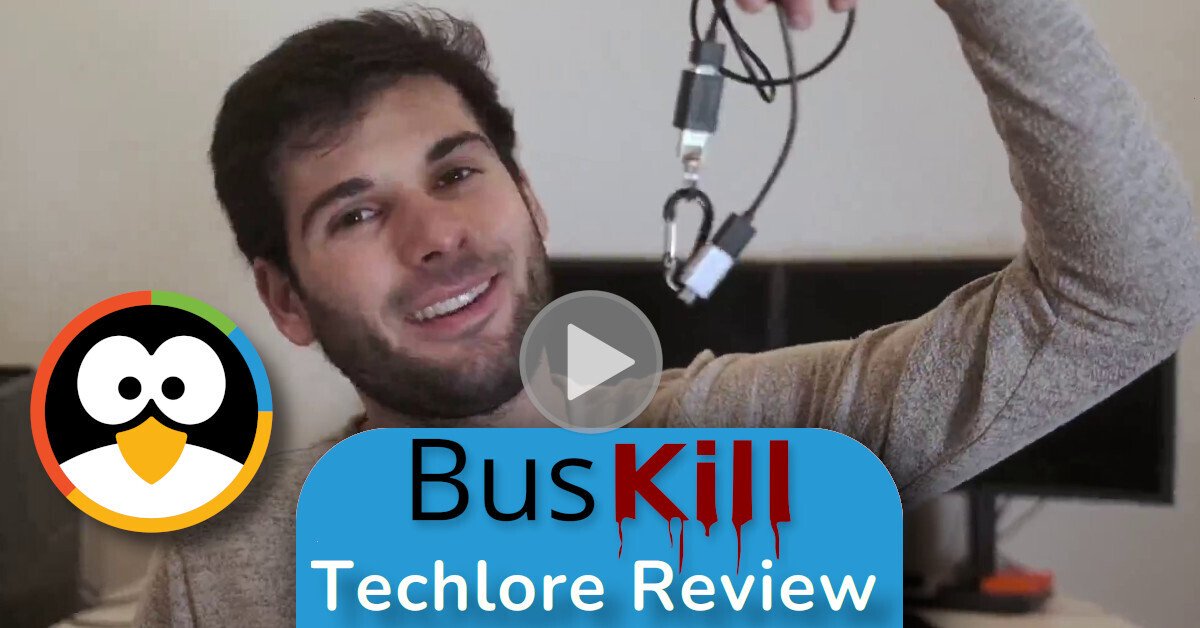
Techlore Review

If you’d like to see Techlore’s review video of BusKill, you can find that here:
BusKill Techlore Review

Support BusKill

If you want to help our open-source project, please consider purchasing a BusKill cable for yourself or a loved one. It helps us fund further development, and you get your own BusKill cable to keep you or your loved ones safe.

You can also buy a BusKill cable with bitcoin, monero, and other altcoins from our BusKill Store’s .onion site


Bitcoin Accepted Here

Monero Accepted Here

To be notified about future updates, you can signup for our newsletter.


BusKill Demos (Windows, macOS, Linux)

🇫🇷 Version française de cette vidéo (youtu.be/M2PQ72NmXEY)

Video Demo

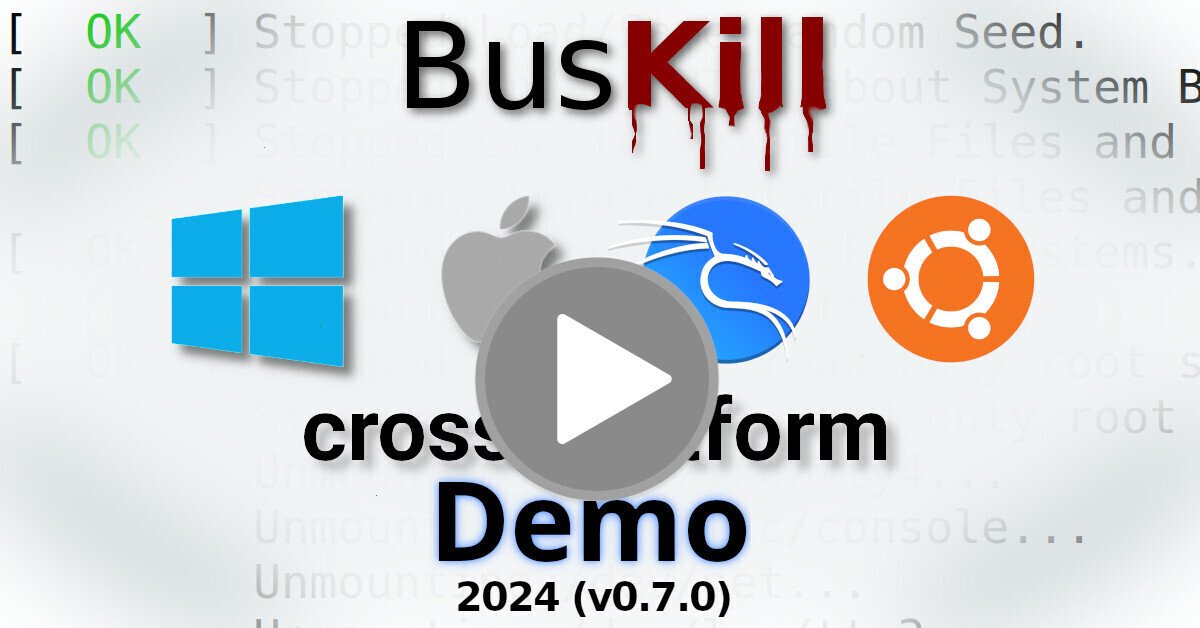
Watch the below video to see a demonstration of BusKill running on all of the below-listed systems.

Can’t see video above? Watch it on PeerTube or on YouTube at youtu.be/jT9Fgwrbp6o

Note: You can find a list of all our Demo Videos here:

Disclaimer: While we gave samxplogs a free BusKill Kit for review, we did not pay them nor restrict their impartiality and freedom to publish an independent review. We did require them to make the video open-source as a condition of receiving this free review unit. The above video is licensed CC BY-SA; you are free to redistribute it. If you are a video producer and would like a free BusKill Kit for review, please contact us

Want to see BusKill in-action? Checkout these video demos made by YouTuber @samxplogs showing the BusKill cable in-use on several supported platforms:

Continue reading

BusKill Demos (Windows, MacOS, Linux, TAILS, QubesOS)

Video Demo

Watch the below video to see a demonstration of BusKill running on all of the below-listed systems.

Can’t see video above? Watch it on PeerTube or on YouTube at youtu.be/g6eT8JSIgjw

Transparency is important. As we launch our crowdfunding campaign (making the BusKill cable available for purchase for the first time), we wanted to provide a clear video demo showing the cable in-use in all tested platforms:

Windows

BusKill was tested to work in Windows 10.


Visit docs.buskill.in for instructions on how you can build your own BusKill cable and download the BusKill app for Windows.

Or you can buy a BusKill kit with the BusKill Windows app pre-installed on the the included USB drive.

MacOS

BusKill was tested to work in MacOS 10.15 (Catalina).


Visit docs.buskill.in for instructions on how you can build your own BusKill cable and download the MacOS .dmg release.

Or you can buy a BusKill kit with the BusKill MacOS app pre-installed on the the included USB drive.

Linux

BusKill was tested to work in Ubuntu Linux.


Visit docs.buskill.in for instructions on how you can build your own BusKill cable and download the Linux .AppImage release.

Or you can buy a BusKill kit with the BusKill Linux app pre-installed on the the included USB drive.

TAILS

BusKill was tested to work with TAILS (The Amnesic Incognito Live System).


While you could use the BusKill Linux .AppImage release with a second USB drive while using TAILS, the recommended solution for security-critical users is to just use the BusKill cable in-line with the TAILS live USB drive. This takes advantage of

  1. The BusKill cable’s magnetic breakaway along with
  2. The TAILS built-in emergency shutdown

Visit docs.buskill.in for instructions on how you can build your own BusKill cable to use with TAILS.

Or you can buy a BusKill cable to support the BusKill project.

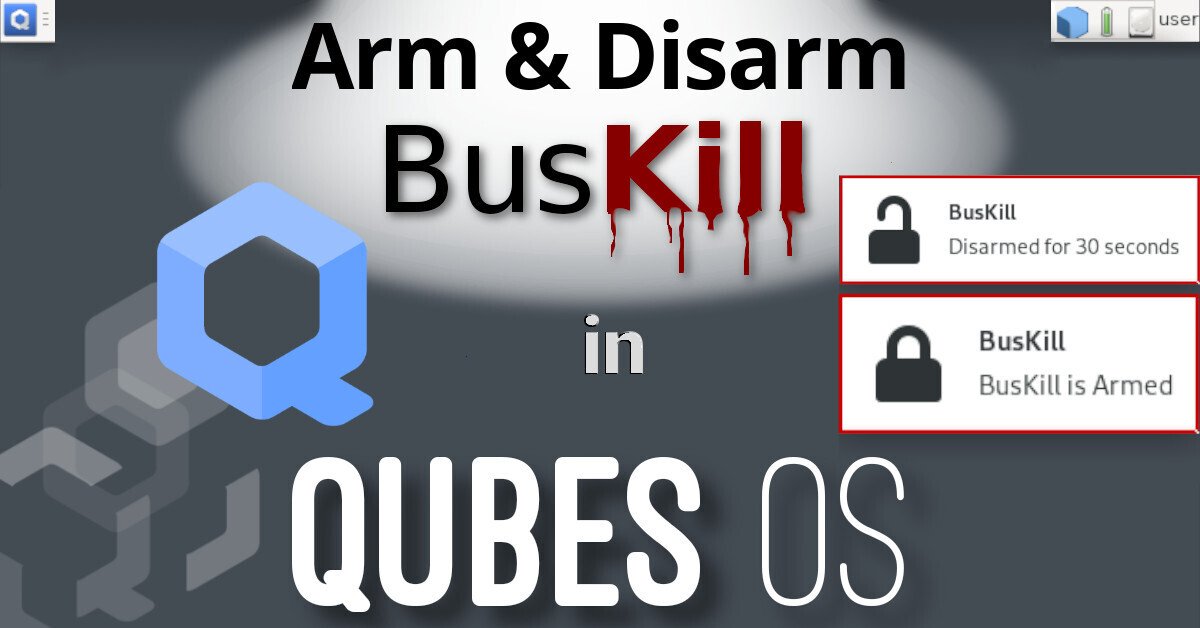
QubesOS

BusKill was also tested to work with QubesOS.


Due to the design of QubesOS (dom0, sys-usb, etc), the BusKill GUI app does not support QubesOS. Instead, QubesOS support is implemented using the qubes-rpc and a set of scripts stored in sys-usb and dom0.

For more information on how to use BusKill in QubesOS, see our BusKill guide for QubesOS.

Visit docs.buskill.in for instructions on how you can build your own BusKill cable to use with QubesOS.

Or you can buy a BusKill cable to support the BusKill project.


Scroll to top