We’re happy to announce that BusKill can be installed on Linux directly with apt

It is now possible to install BusKill directly on the following Debian-based Linux distros:
What is BusKill?
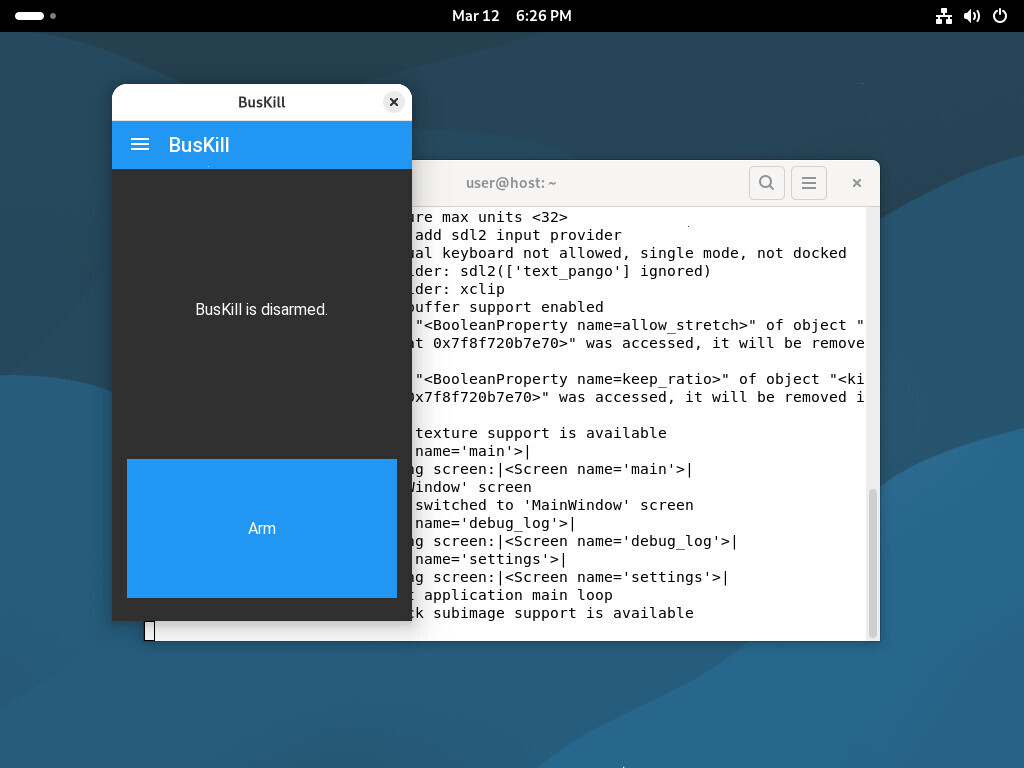
BusKill is a laptop kill-cord. It’s a USB cable with a magnetic breakaway that you attach to your body and connect to your computer.
If the connection between you to your computer is severed, then your device will lock, shutdown, or shred its encryption keys — thus keeping your encrypted data safe from thieves that steal your device.
Debian
BusKill can be installed on Debian with apt.
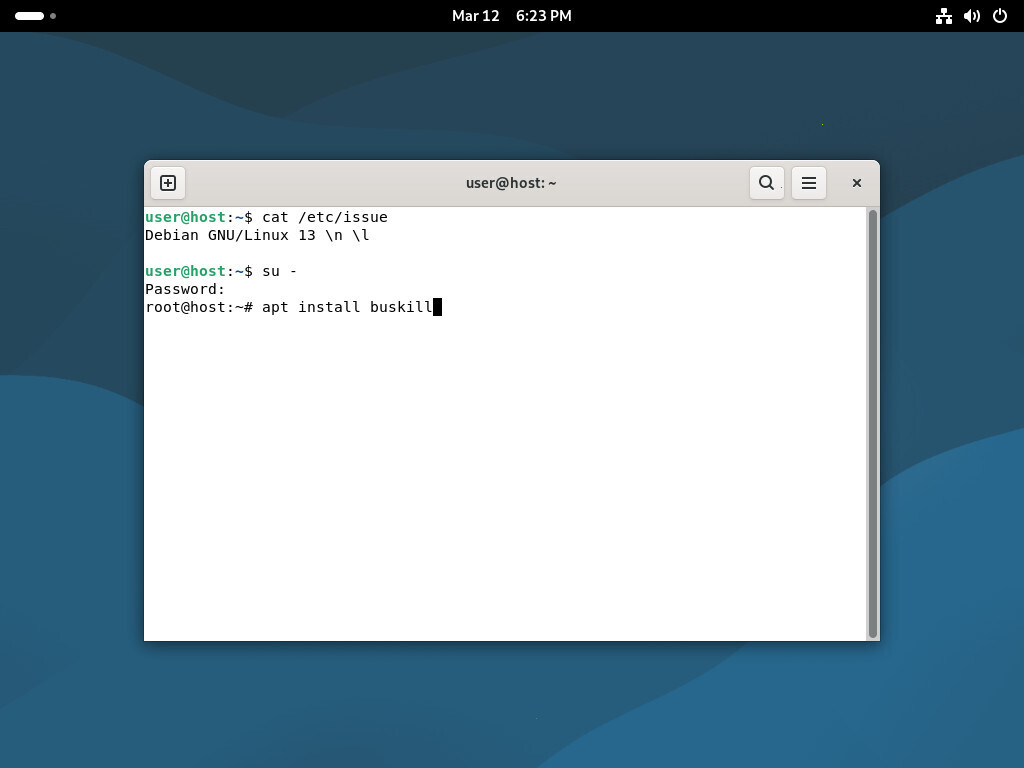
To install BusKill on Debian, execute the command
su -
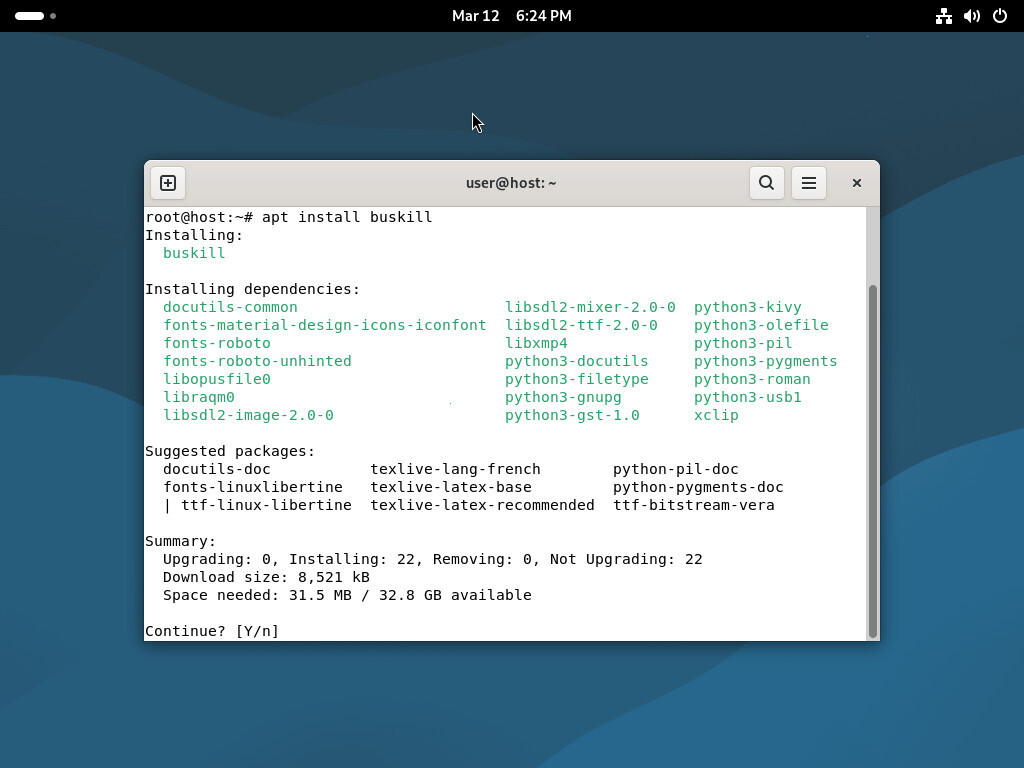
apt install buskill
Linux Mint
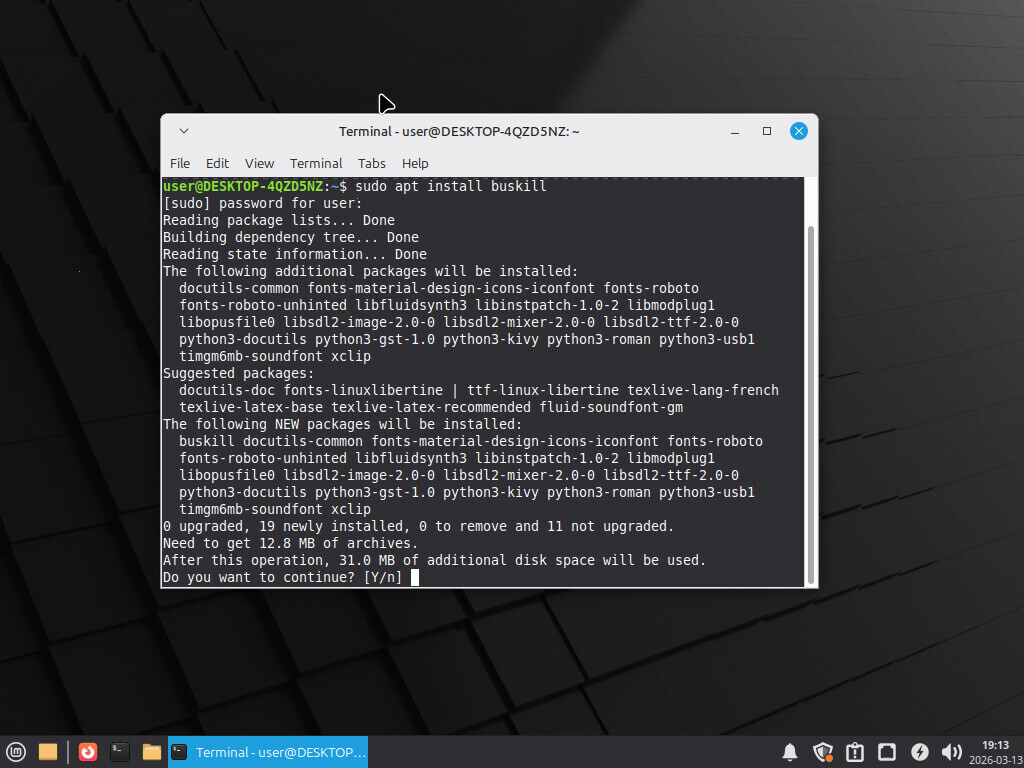
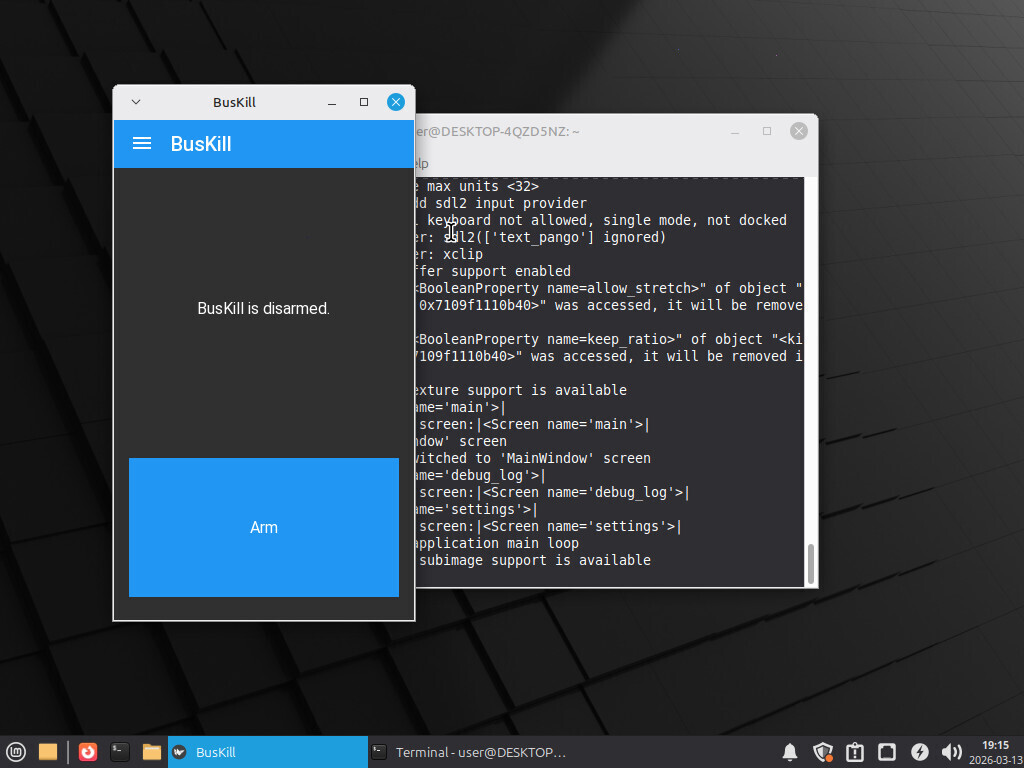
BusKill can be installed on Linux Mint with apt.
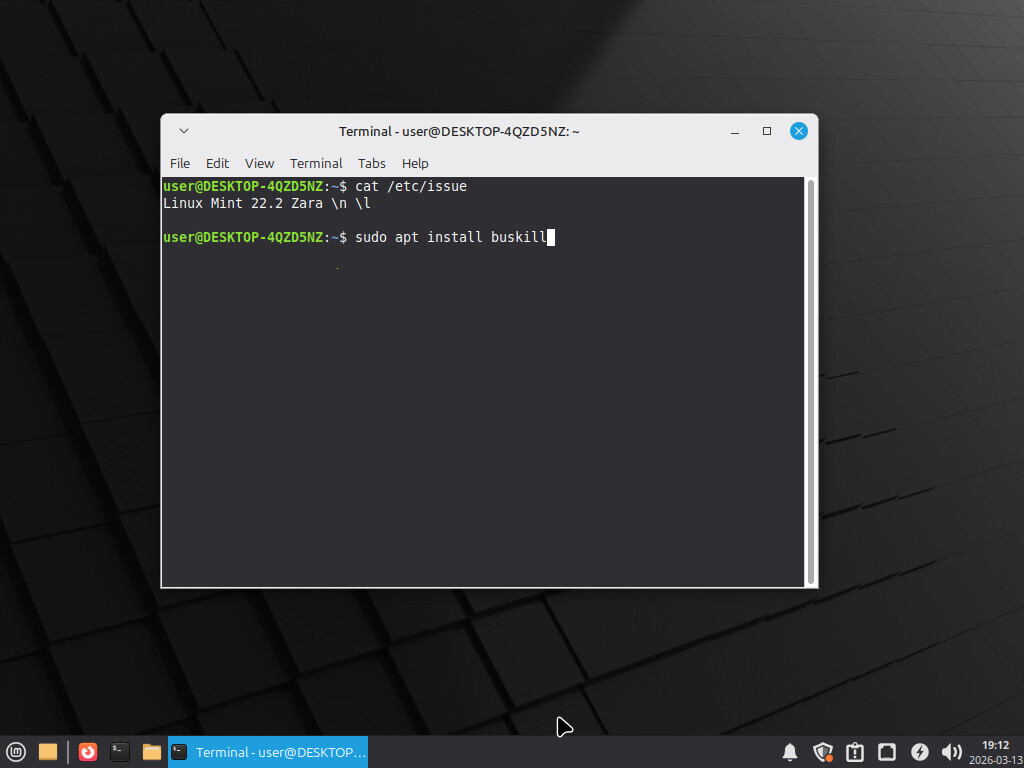
To install BusKill on Linux Mint, execute the command
sudo apt install buskill
Ubuntu
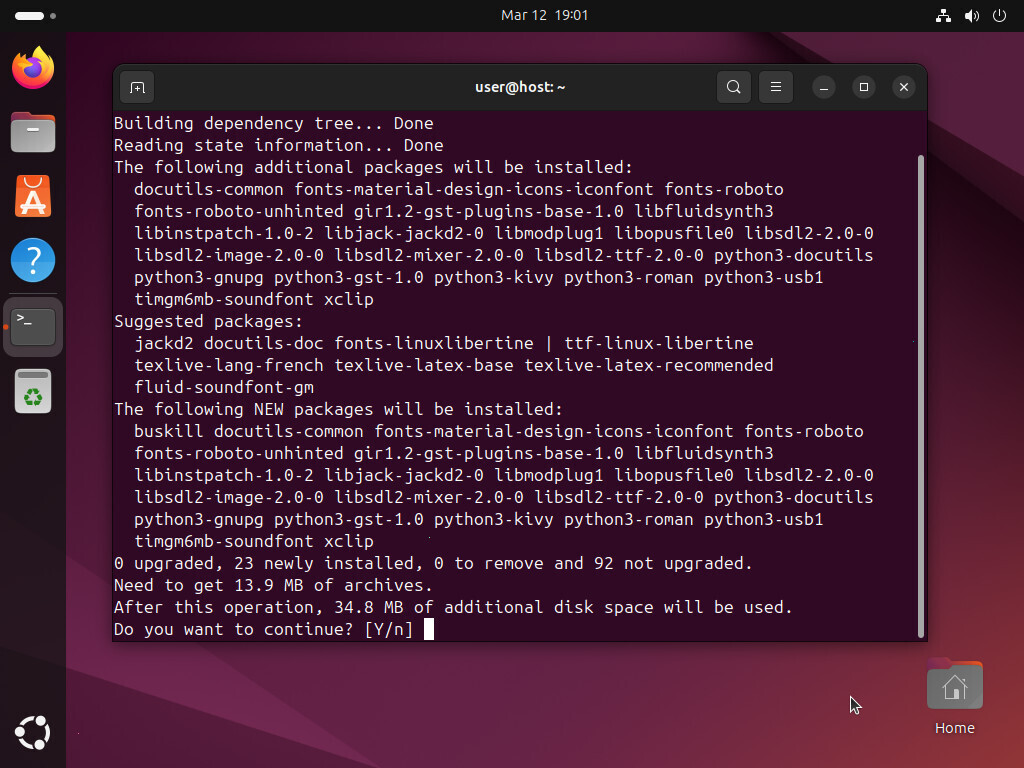
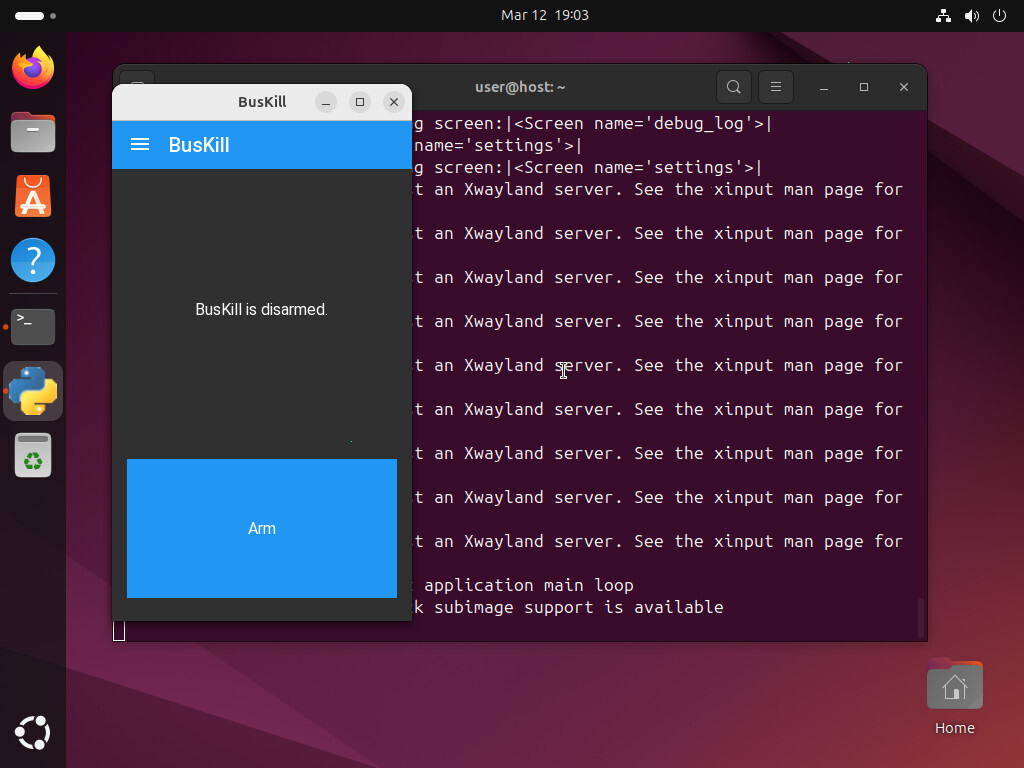
BusKill can be installed on Ubuntu with apt.
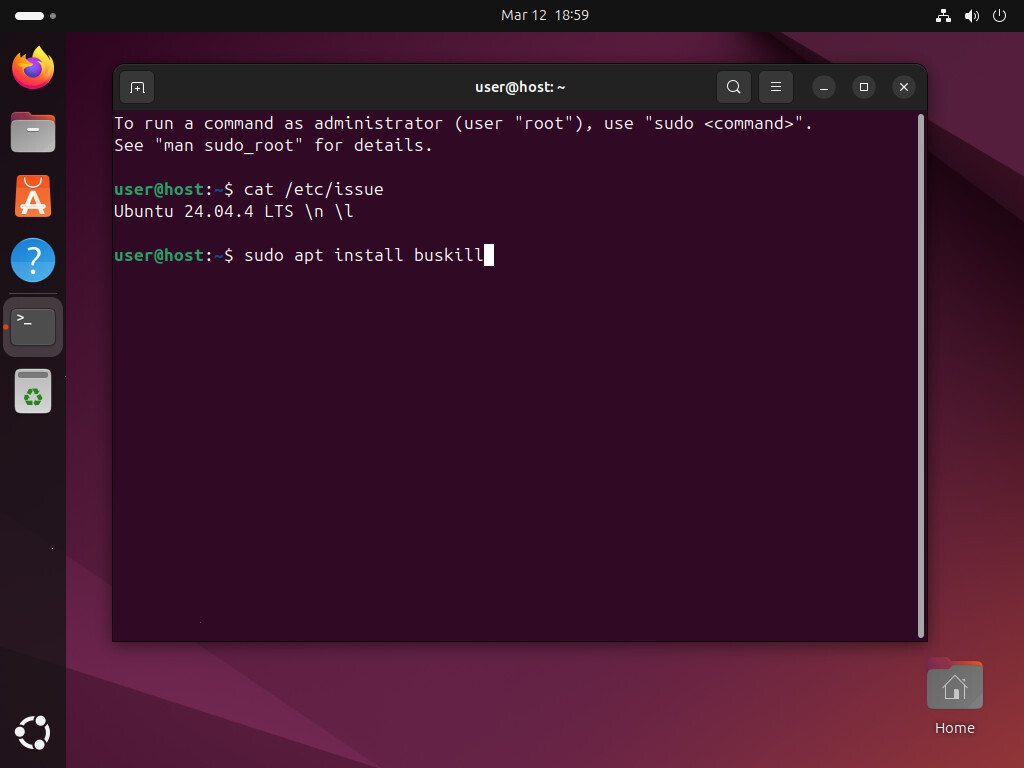
To install BusKill on Ubuntu, execute the command
sudo apt install buskill
Kali Linux
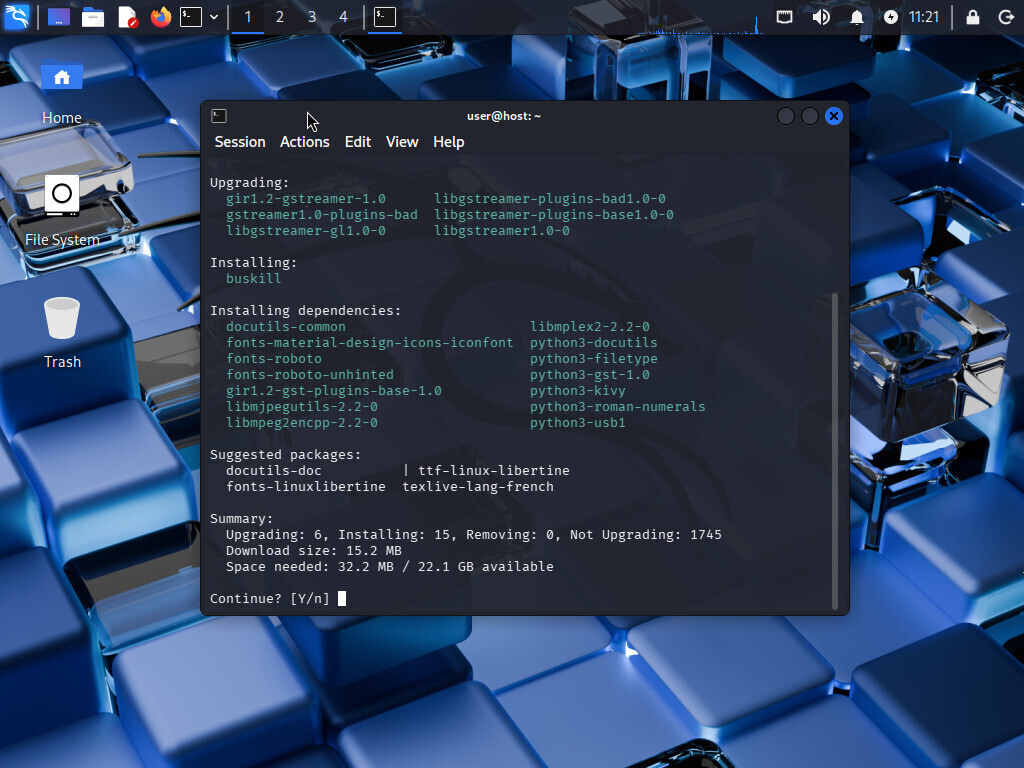
BusKill can be installed on Kali Linux with apt.
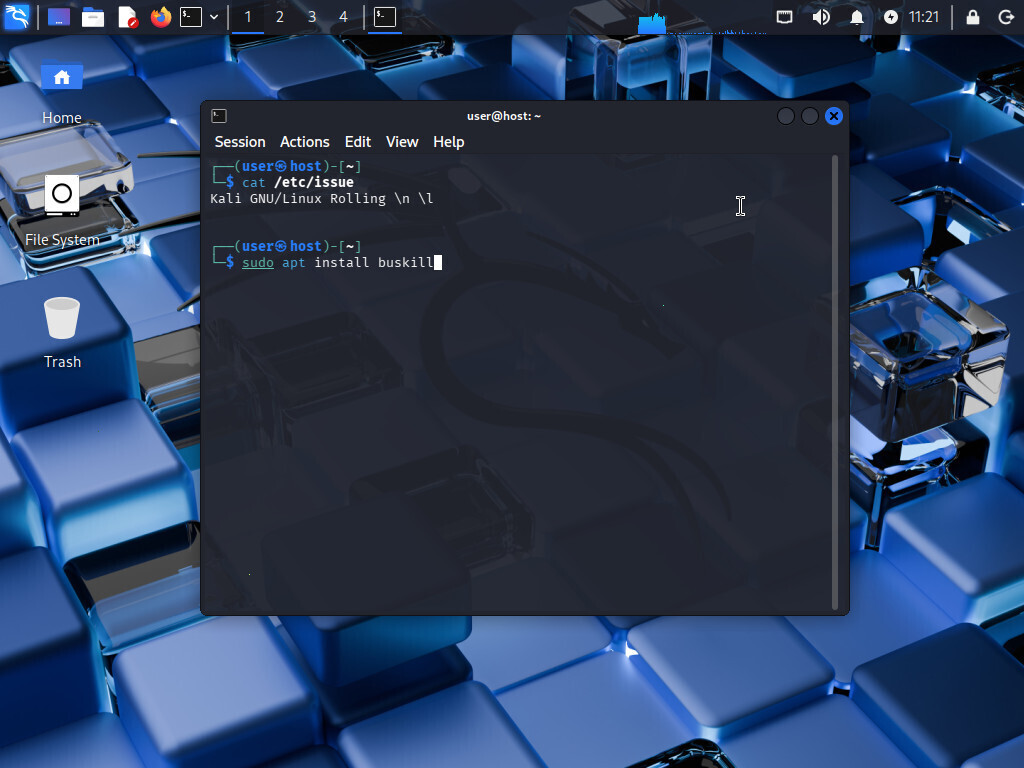
To install BusKill on Kali Linux, execute the command
sudo apt install buskill
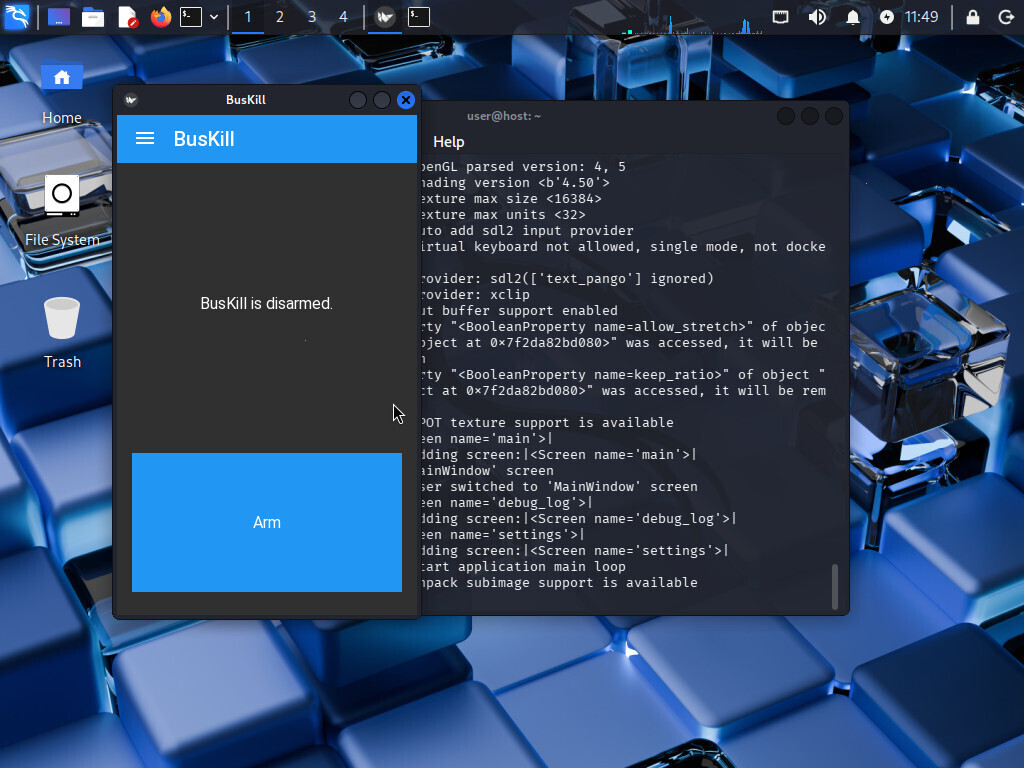
TAILS
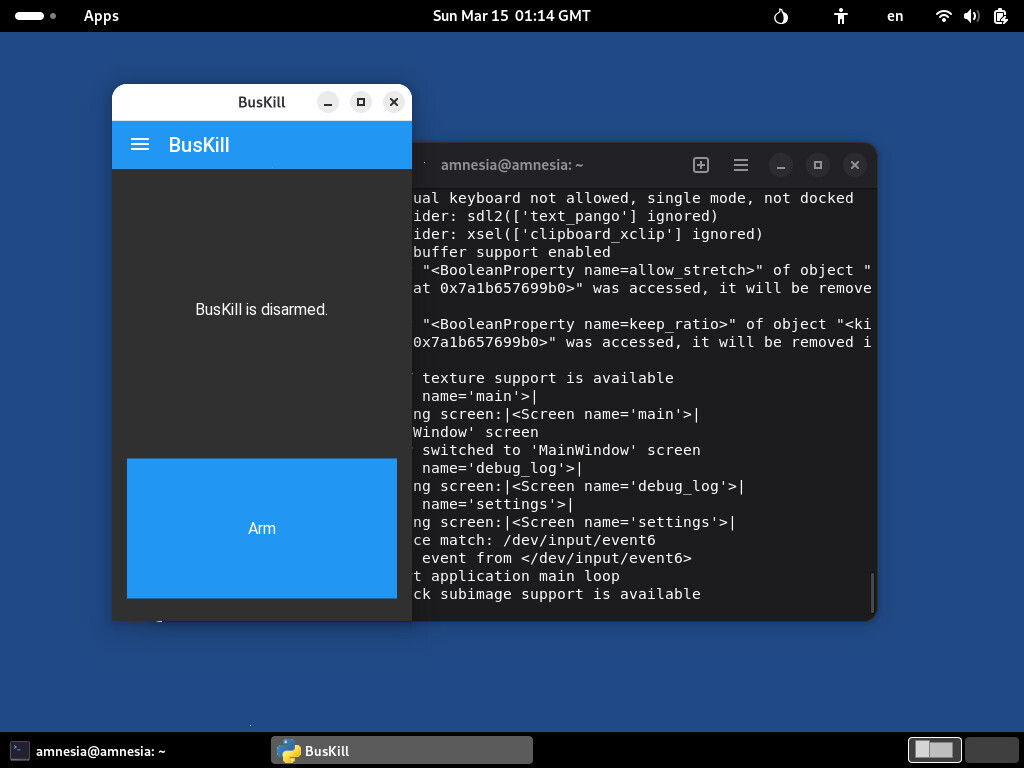
BusKill can be installed on TAILS with apt.
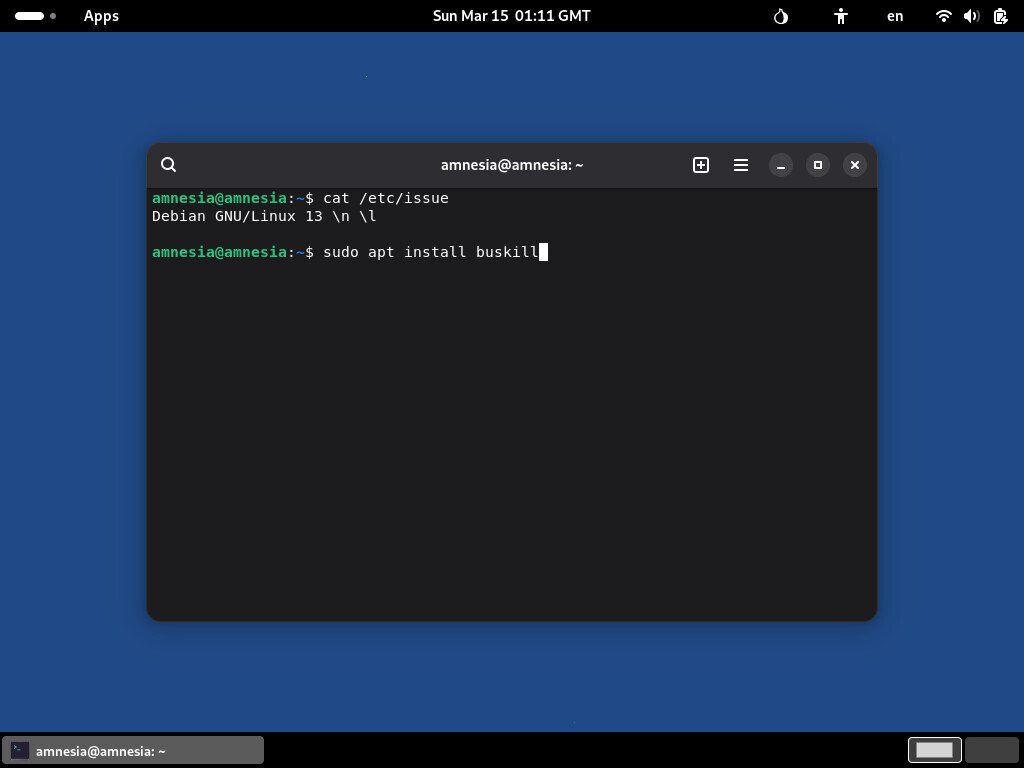
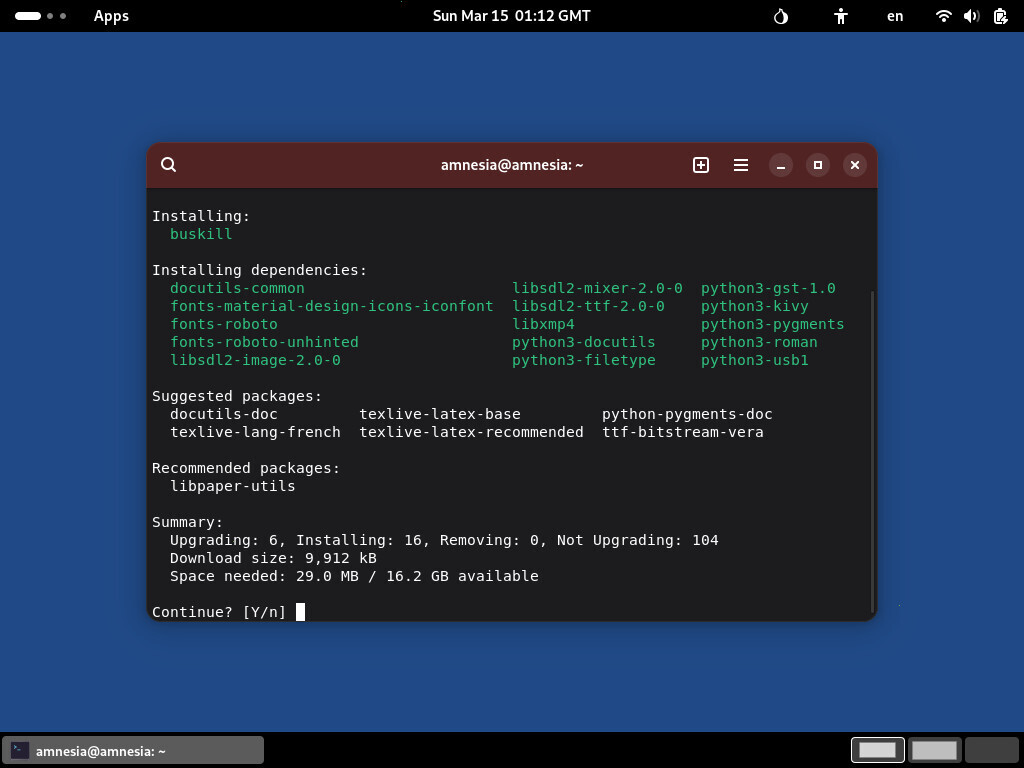
To install BusKill on Kali Linux, execute the command
sudo apt install buskill
Troubleshooting
This section will provide help on common issues with installing BusKill on Linux with apt
No module named ‘distutils’
If you encounter the following error
$ buskill
Traceback (most recent call last):
  File "/usr/share/buskill/main.py", line 32, in <module>
    import packages.buskill
  File "/usr/share/buskill/packages/buskill/__init__.py", line 25, in <module>
    from distutils.version import LooseVersion
ModuleNotFoundError: No module named 'distutils'
There was a bug in older versions of the BusKill package, which excluded a required dependency. The fix is to simply install python3-setuptools
sudo apt install python3-setuptools
For more info, see:
Further Reading
This article was written in 2026. For the latest instructions on how to install BusKill, see the BusKill Documentation:
Support BusKill
If you want to help our open-source project, please consider purchasing a BusKill cable for yourself or a loved one. It helps us fund further development, and you get your own BusKill cable to keep you or your loved ones safe.
You can also buy a BusKill cable with bitcoin, monero, and other altcoins from our BusKill Store’s .onion site


To be notified about future updates, you can signup for our newsletter.