



Featured Updates

BusKill Demos (Windows, MacOS, Linux, TAILS, QubesOS)
previous arrow
next arrow

Techlore Interview (BusKill, Interdiction, and OpSec)

We’re super happy to share that Techlore invited BusKill founder Michael Altfield onto their YouTube channel to talk about BusKill, security, and privacy

In addition to answering questions about the origin of BusKill, the interview ran a gamut of issues regarding security and privacy — including

  1. How to mitigate State-sponsored interdiction attacks,
  2. minimizing attack surfaces of mobile phones with broadband processors,
  3. the threats of AI “identity verification” systems on privacy,
  4. and much more

You can watch the full video below

Can’t see video above? Watch it on PeerTube at tehlore.tv or on YouTube at youtu.be/cptk6aBbJpU

To see the full discussion about this video on PeerTube, see:

What is BusKill?

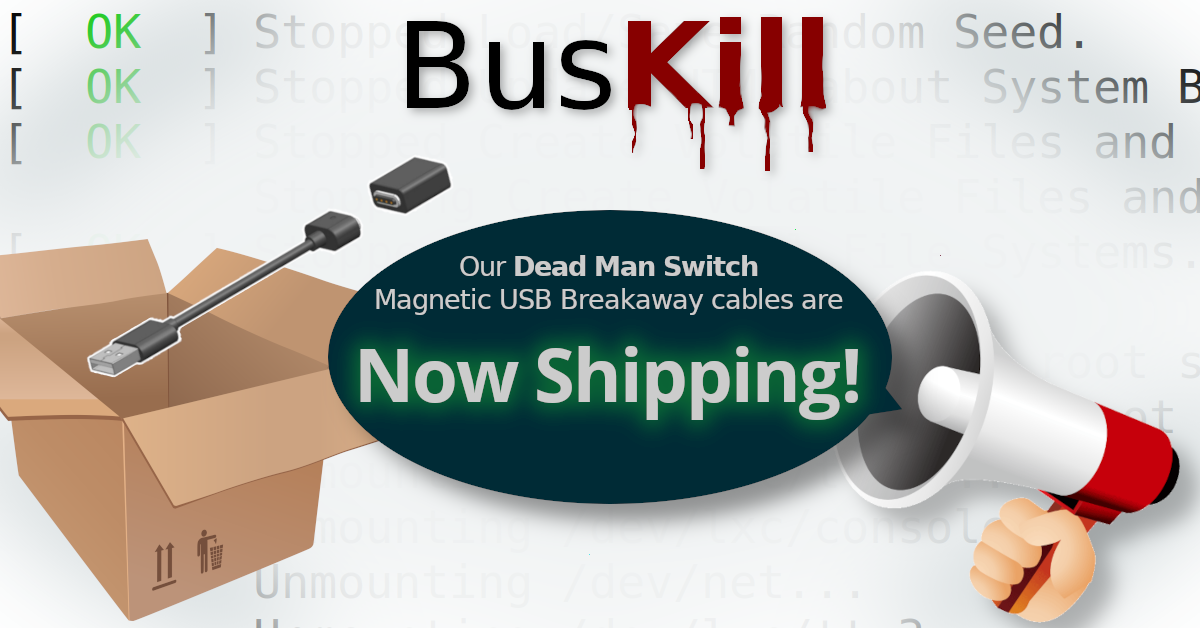
BusKill is a laptop kill-cord. It’s a USB cable with a magnetic breakaway that you attach to your body and connect to your computer.


If the connection between you to your computer is severed, then your device will lock, shutdown, or shred its encryption keys — thus keeping your encrypted data safe from thieves that steal your device.

Techlore Review

If you’d like to see Techlore’s review video of BusKill, you can find that here:
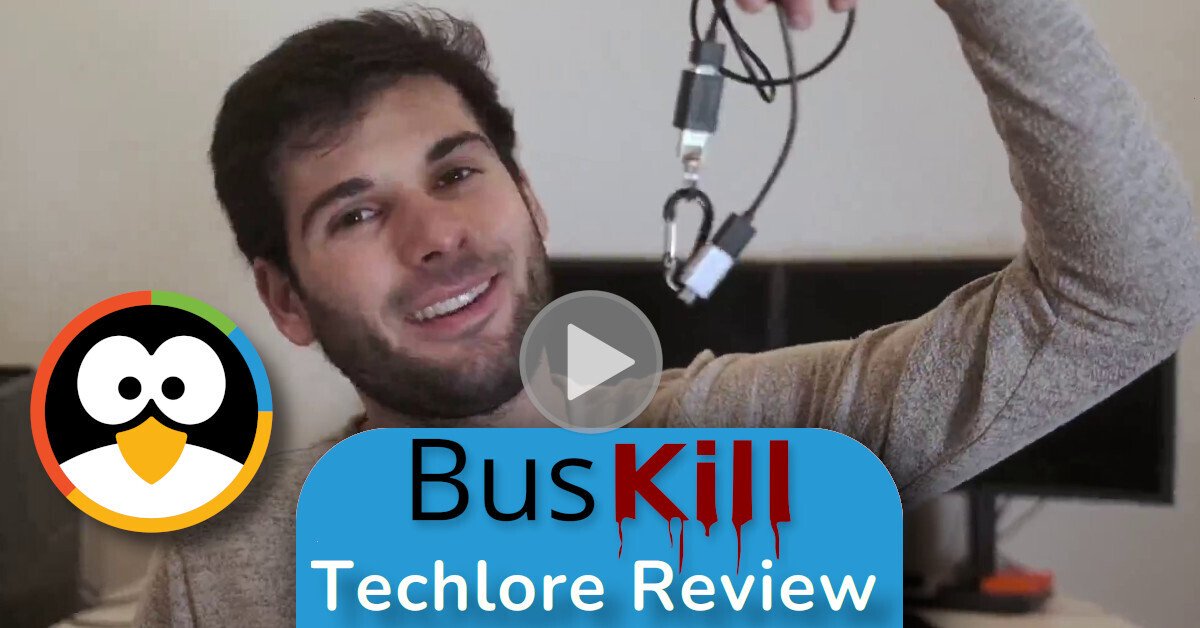
BusKill Techlore Review

Support BusKill

If you want to help our open-source project, please consider purchasing a BusKill cable for yourself or a loved one. It helps us fund further development, and you get your own BusKill cable to keep you or your loved ones safe.

You can also buy a BusKill cable with bitcoin, monero, and other altcoins from our BusKill Store’s .onion site


Bitcoin Accepted Here

Monero Accepted Here

To be notified about future updates, you can signup for our newsletter.


Disarm BusKill in QubesOS

This post will describe how to setup keyboard shortcuts in QubesOS so that you can temporarily disarm (pause) the BusKill laptop kill cord.

This allows the user to, for example, go to the bathroom without causing their computer to shutdown or self-destruct.

This is a guide that builds on part one: A Laptop Kill Cord for QubesOS (1/2). Before reading this, you should already be familiar with how to setup udev rules for BusKill on QubesOS.

  1. A Laptop Kill Cord for QubesOS (1/2)
  2. Disarm BusKill in QubesOS (2/2)

ⓘ Note: This post is adapted from its original article on Tom Hocker’s blog.

What is BusKill?

What if someone literally steals your laptop while you’re working with classified information inside a Whonix DispVM? They’d also be able to recover data from previous DispVMs–as Disposable VM’s rootfs virtual files are not securely shredded after your DispVM is destroyed.

QubesOS Logo
QubesOS: A reasonably secure OS

Are you a security researcher, journalist, or intelligence operative that works in QubesOS–exploiting Qubes’ brilliant security-through-compartimentalization to keep your data safe? Do you make use of Whonix Disposable VMs for your work? Great! This post is for you.

I’m sure your QubesOS laptop has Full Disk Encryption and you’re using a strong passphrase. But what if someone literally steals your laptop while you’re working with classified information inside a Whonix DispVM? Not only will they get access to all of your AppVM’s private data and the currently-running Whonix DispVM’s data, but there’s a high chance they’d be able to recover data from previous DispVMs–as Disposable VM’s rootfs virtual files (volatile.img) are not securely shredded after your DispVM is destroyed by Qubes!

Let’s say you’re a journalist, activist, whistleblower, or a human rights worker in an oppressive regime. Or an intelligence operative behind enemy lines doing research or preparing a top-secret document behind a locked door. What do you do to protect your data, sources, or assets when the secret police suddenly batter down your door? How quickly can you actually act to shutdown your laptop and shred your RAM and/or FDE encryption keys?


BusKill utilizes a magnetic trip-wire that tethers your body to your laptop. If you suddenly jump to your feet or fall off your chair (in response to the battering ram crashing through your door) or your laptop is ripped off your table by a group of armed thugs, the data bus’ magnetic connection will be severed. This event causes a configurable trigger to execute.

The BusKill trigger can be anything from:

  1. locking your screen or
  2. shutting down the computer or
  3. initiating a self-destruct sequence

While our last post described how to setup such a system in QubesOS with BusKill, this post will describe how to add keyboard shortcuts to arm & disarm the dead man switch (eg so you can go to the bathroom).

Continue reading

Introducing BusKill: A Kill Cord for your Laptop

This post will introduce a simple udev rule and ~$20 in USB hardware that effectively implements a kill cord Dead Man Switch to trigger your machine to self-destruct in the event that you’re kicked out of the helm position.

BusKill: A USB Kill Cord for you Laptop

ⓘ Note: This is an old article that is out-of-date.

To learn how to install BusKill, see our BusKill GUI App Documentation.

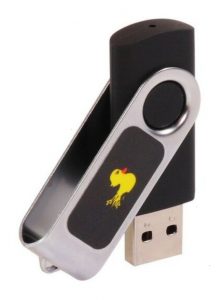
Photo of a Rubber Ducky USB drive
Rubber Ducky I <3 you; you make hack time lots of fun!

Let’s consider a scenario: You’re at a public location (let’s say a cafe) while necessarily authenticated into some super important service (let’s say online banking). But what if–after you’ve carefully authenticated–someone snatch-and-runs with your laptop?

Maybe you can call your bank to freeze your accounts before they’ve done significant financial harm. Maybe you can’t.

Or maybe your laptop was connected to your work VPN. In less than 60 seconds and with the help of a rubber ducky, the thief could literally cause millions of dollars in damages to your organization.

Surely there must be some solution to trigger your computer to lock, shutdown, or self-destruct when it’s physically separated from you! There is: I call it BusKill.

Continue reading

Scroll to top