In celebration of Bitcoin Black Friday 2022, we’re offering a 10% discount on all BusKill cables sold between Nov 19 to Dec 04.







In celebration of Bitcoin Black Friday 2022, we’re offering a 10% discount on all BusKill cables sold between Nov 19 to Dec 04.
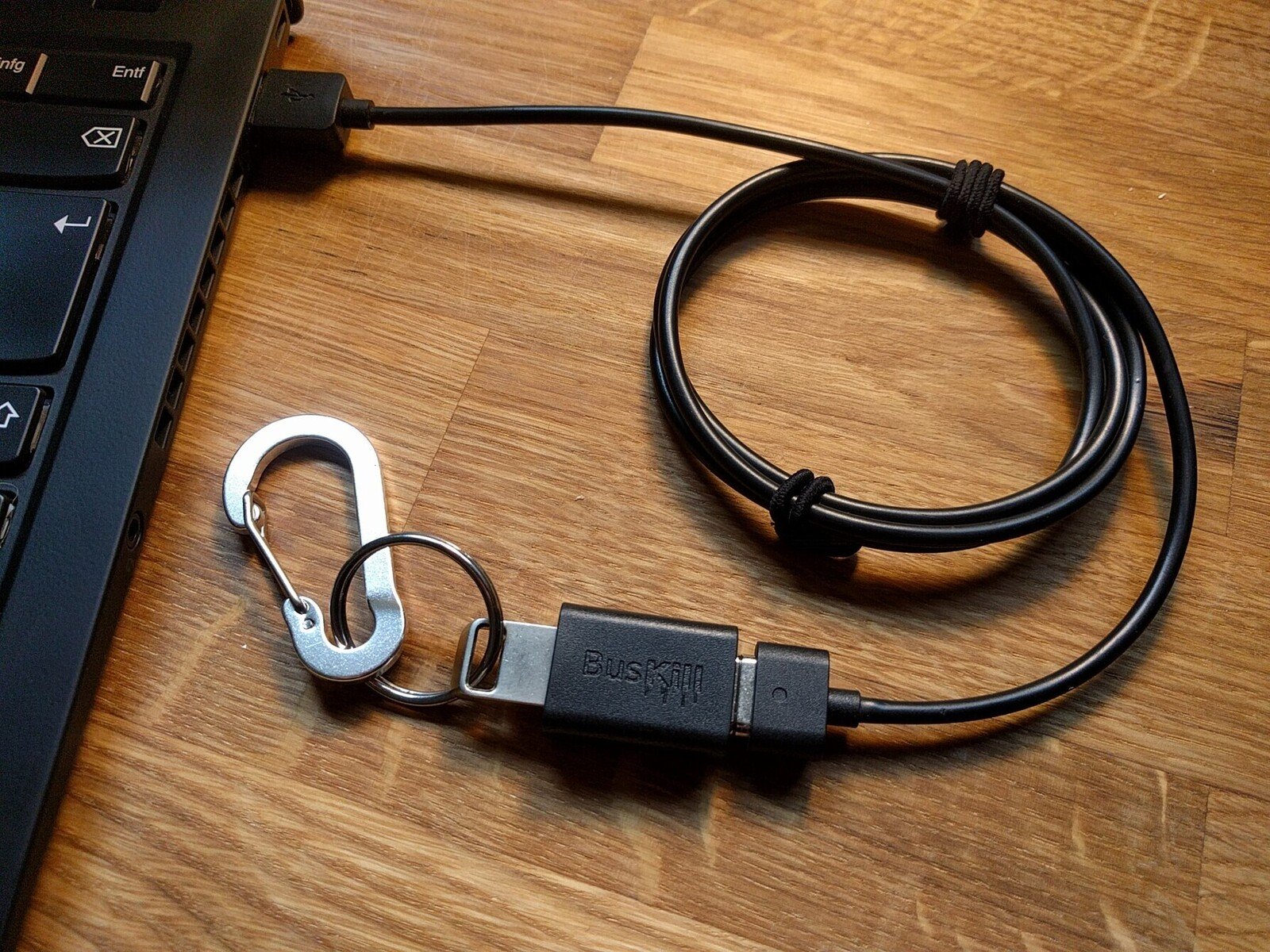
We’re excited to announce that our first production run of BusKill cables is now in-stock in our distribution center.
![[BusKill] Our Dead Man Switch Magnetic Breakaway cables are Now Shipping!](https://www.buskill.in/wp-content/uploads/sites/8/xbuskill_now_shipping_featuredImage1.png.pagespeed.ic.lhy9iOb5ID.png)
The first BusKill prototype was born in 2017. It gained international popularity in 2020 when Michael Altfield described how to build your own BusKill cable. After extensive effort and with the help of several contributors, a Linux hacker’s DIY cable got a user-friendly, cross-platform GUI.
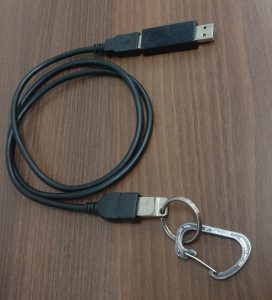
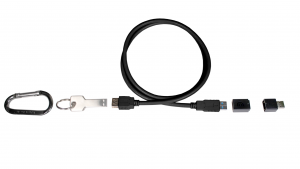
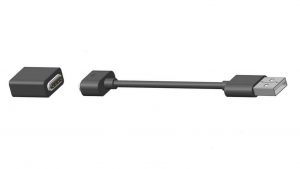
When the only USB-A magnetic breakaway coupler on the market became out of stock and EOL’d, we raised $18,507 on CrowdSupply in early 2022 to manufacture our own injection-molded cable. One thousand logistics challenges later, Mouser started shipping BusKill cables to our backers in October 2022.
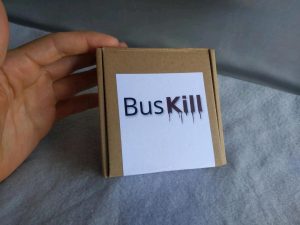
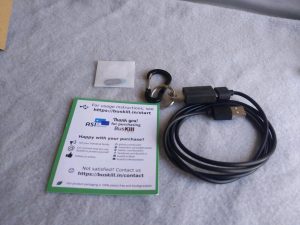
Now that the hardware is out the door, we’re hard at work on new features for the BusKill app. Our top goal is to add a soft-shutdown trigger to the existing lock-screen trigger. At the time of writing, this is functional on Linux and Windows. We’re just working out the kinks of privilege escalation on MacOS.
To be notified when we’ve added the soft-shutdown trigger to the BusKill app, you can signup for our newsletter.
We did our best to test BusKill across the three target platforms, but the wide spread of OS versions does leave room for error. If you happen to find a bug with BusKill, please let us know.
If you don’t have a BusKill cable yet, you can buy one here on this website or build your own. And for the makers out there, checkout the progress on our 3D printable BusKill magnetic breakaway coupler 🙂
You can also buy a BusKill cable with bitcoin, monero, and other altcoins directly from our BusKill Store


Watch the below video to see a demonstration of BusKill running on all of the below-listed systems.
Can’t see video above? Watch it on PeerTube or on YouTube at youtu.be/g6eT8JSIgjw
Transparency is important. As we launch our crowdfunding campaign (making the BusKill cable available for purchase for the first time), we wanted to provide a clear video demo showing the cable in-use in all tested platforms:
BusKill was tested to work in Windows 10.
Visit docs.buskill.in for instructions on how you can build your own BusKill cable and download the BusKill app for Windows.
Or you can buy a BusKill kit with the BusKill Windows app pre-installed on the the included USB drive.
BusKill was tested to work in MacOS 10.15 (Catalina).
Visit docs.buskill.in for instructions on how you can build your own BusKill cable and download the MacOS .dmg release.
Or you can buy a BusKill kit with the BusKill MacOS app pre-installed on the the included USB drive.
BusKill was tested to work in Ubuntu Linux.
Visit docs.buskill.in for instructions on how you can build your own BusKill cable and download the Linux .AppImage release.
Or you can buy a BusKill kit with the BusKill Linux app pre-installed on the the included USB drive.
BusKill was tested to work with TAILS (The Amnesic Incognito Live System).
While you could use the BusKill Linux .AppImage release with a second USB drive while using TAILS, the recommended solution for security-critical users is to just use the BusKill cable in-line with the TAILS live USB drive. This takes advantage of
Visit docs.buskill.in for instructions on how you can build your own BusKill cable to use with TAILS.
Or you can buy a BusKill cable to support the BusKill project.
BusKill was also tested to work with QubesOS.
Due to the design of QubesOS (dom0, sys-usb, etc), the BusKill GUI app does not support QubesOS. Instead, QubesOS support is implemented using the qubes-rpc and a set of scripts stored in sys-usb and dom0.
For more information on how to use BusKill in QubesOS, see our BusKill guide for QubesOS.
Visit docs.buskill.in for instructions on how you can build your own BusKill cable to use with QubesOS.
Or you can buy a BusKill cable to support the BusKill project.
This post will describe how to use BusKill as a dead man switch to trigger your laptop to self-destruct if it’s physically separated from you. This guide is specific to QubesOS users.
What if someone literally steals your laptop while you’re working with classified information inside a Whonix DispVM? They’d also be able to recover data from previous DispVMs–as Disposable VM’s rootfs virtual files are not securely shredded after your DispVM is destroyed.

This is part one of a two-part series. For part two, see Disarm BusKill in QubesOS (2/2)
Are you a security researcher, journalist, or intelligence operative that works in QubesOS–exploiting Qubes’ brilliant security-through-compartimentalization to keep your data safe? Do you make use of Whonix Disposable VMs for your work? Great! This post is for you.
I’m sure your QubesOS laptop has Full Disk Encryption and you’re using a strong passphrase. But what if someone literally steals your laptop while you’re working with classified information inside a Whonix DispVM? Not only will they get access to all of your AppVM’s private data and the currently-running Whonix DispVM’s data, but there’s a high chance they’d be able to recover data from previous DispVMs–as Disposable VM’s rootfs virtual files (volatile.img) are not securely shredded after your DispVM is destroyed by Qubes!
Let’s say you’re a journalist, activist, whistleblower, or a human rights worker in an oppressive regime. Or an intelligence operative behind enemy lines doing research or preparing a top-secret document behind a locked door. What do you do to protect your data, sources, or assets when the secret police suddenly batter down your door? How quickly can you actually act to shutdown your laptop and shred your RAM and/or FDE encryption keys?
BusKill utilizes a magnetic trip-wire that tethers your body to your laptop. If you suddenly jump to your feet or fall off your chair (in response to the battering ram crashing through your door) or your laptop is ripped off your table by a group of armed thugs, the data bus’ magnetic connection will be severed. This event causes a configurable trigger to execute.
The BusKill trigger can be anything from:
This post will describe how to setup such a system in QubesOS with BusKill
Can’t see video above? Watch it on PeerTube or on YouTube at youtu.be/IQAO8u_JWUQ
This post will describe how to add a trigger that initiates a “self-destruct” sequence when your BusKill laptop kill cord’s connection is severed–rendering your data permanently & irrevocably destroyed in the event that your laptop were physically separated from you (ie: by a snach-and-run thief).
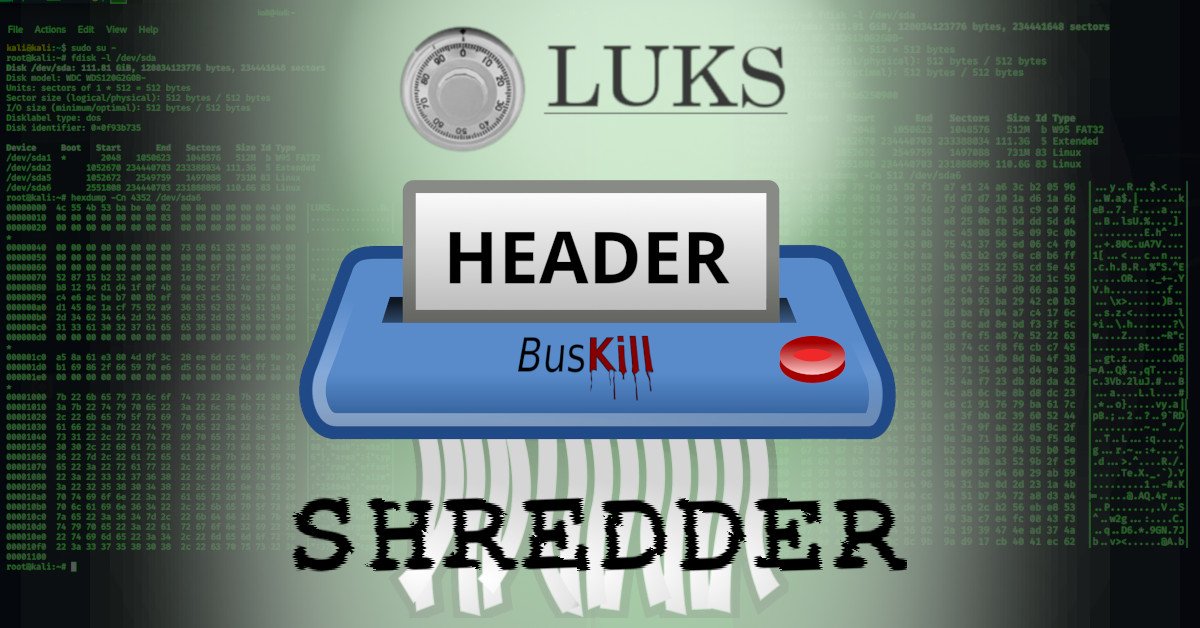
Many people were disappointed when the original post introducing BusKill only alluded to a self-destruct trigger, without actually describing how to use it with BusKill. This was done for two reasons:
This article will provide that thorough analysis and explain to the reader how to implement a self-destruct trigger with BusKill on linux machines that have FDE with LUKS.
Can’t see video above? Watch it on PeerTube or on YouTube at youtu.be/WA8sL4236jM
We’re very excited to announce that BusKill cables are now available for purchase via CrowdSupply!

This week we launched the BusKill crowdfunding campaign on CrowdSupply.
The DIY guide to build a BusKill laptop kill cord was released last year. Designed to protect journalists, activists, travelers, and crypto traders — this USB Dead Man’s Switch can trigger your computer to lock if someone physically snatches your computer away from you while you’re using it.
You can buy a BusKill cable today from CrowdSupply:
You can also buy a BusKill cable with bitcoin, monero, and other altcoins directly from our BusKill Store:
This post will introduce a simple udev rule and ~$20 in USB hardware that effectively implements a kill cord Dead Man Switch to trigger your machine to self-destruct in the event that you’re kicked out of the helm position.
ⓘ Note: This is an old article that is out-of-date.
To learn how to install BusKill, see our BusKill GUI App Documentation.
Let’s consider a scenario: You’re at a public location (let’s say a cafe) while necessarily authenticated into some super important service (let’s say online banking). But what if–after you’ve carefully authenticated–someone snatch-and-runs with your laptop?
Maybe you can call your bank to freeze your accounts before they’ve done significant financial harm. Maybe you can’t.
Or maybe your laptop was connected to your work VPN. In less than 60 seconds and with the help of a rubber ducky, the thief could literally cause millions of dollars in damages to your organization.
Surely there must be some solution to trigger your computer to lock, shutdown, or self-destruct when it’s physically separated from you! There is: I call it BusKill.